Follow this quick guide to add friends to Timeless Tunes. Learn where to find the friend tools, how to send requests, and how to start sharing memories together.
How Do I Add A Friend?
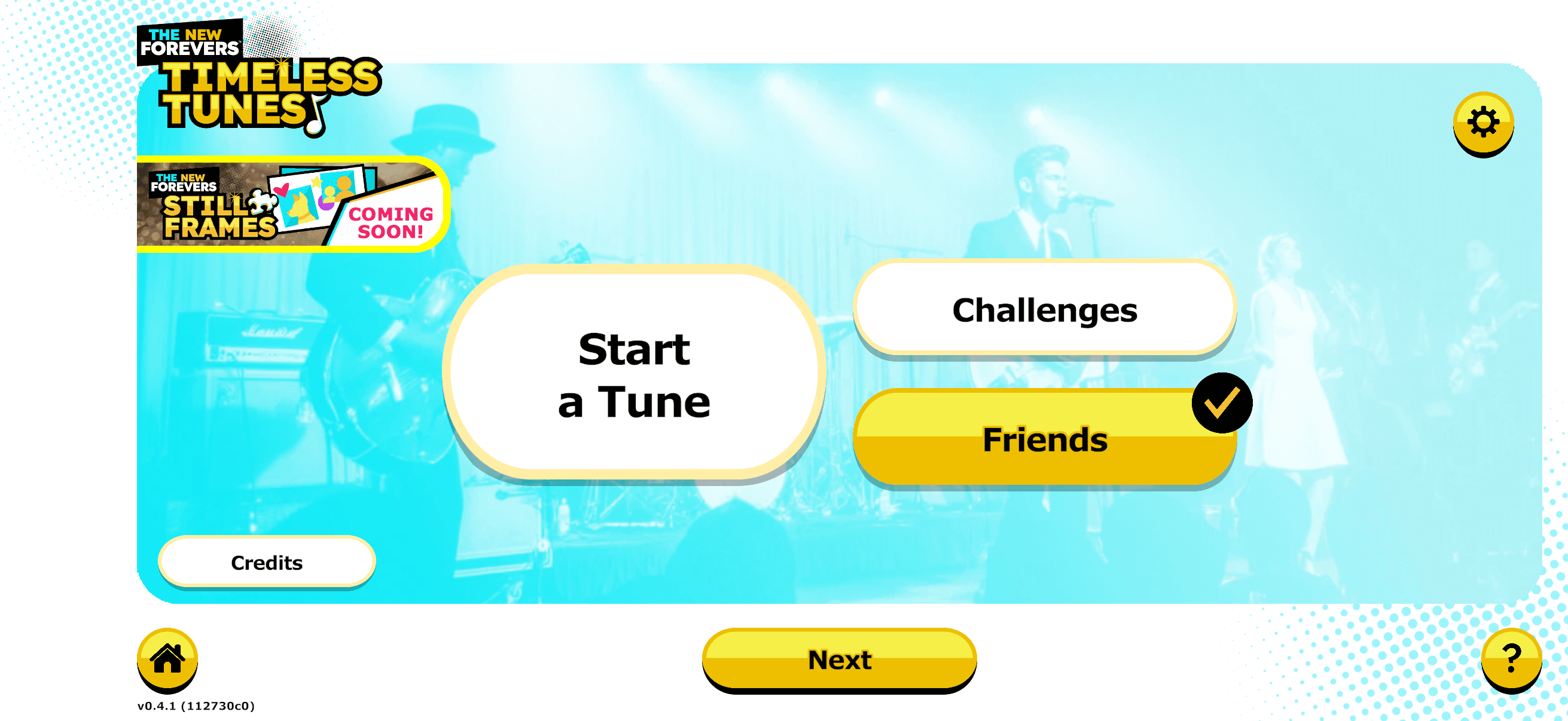
STEP 1: Select “Friends” on the Home Screen.
Click “Next” at the bottom of the screen.
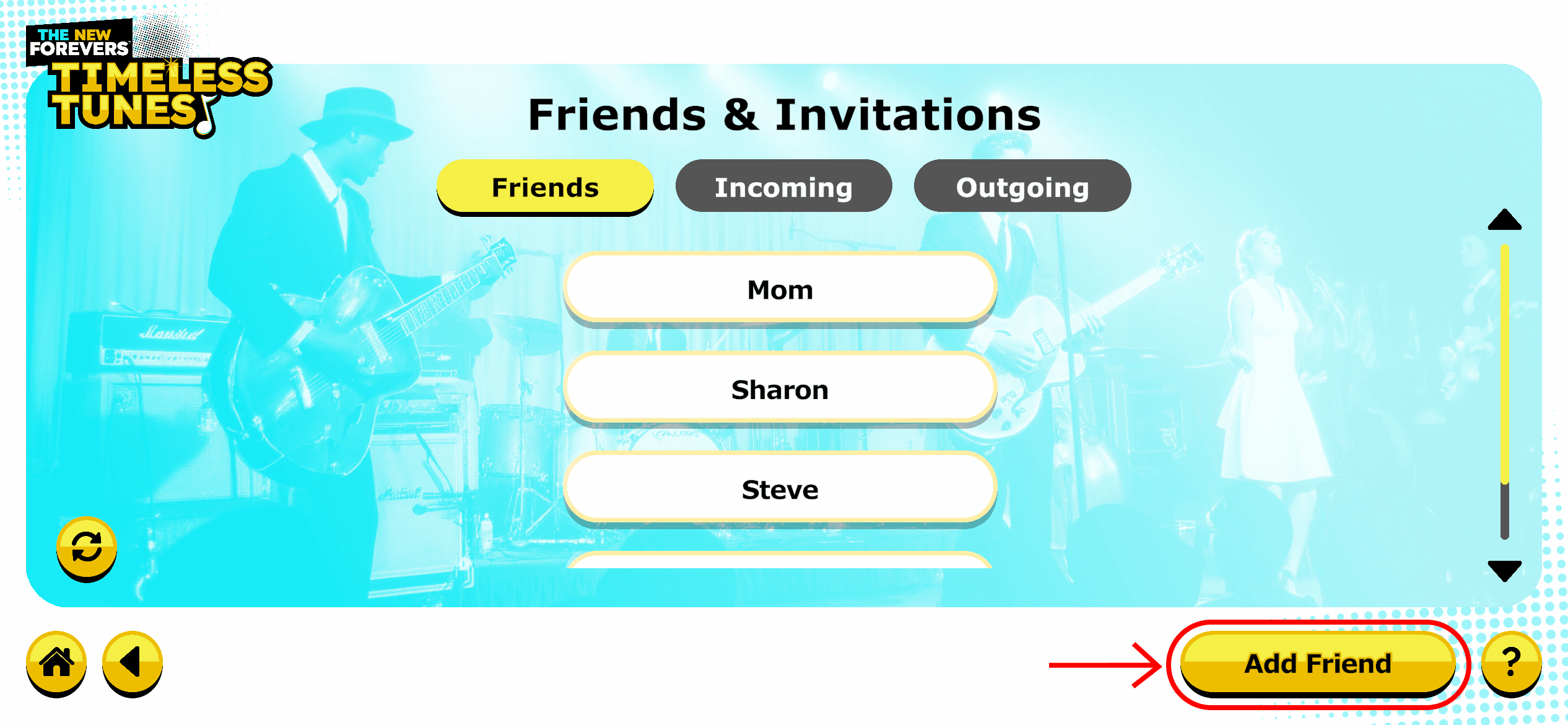
STEP 2: Add Your Friend.
Click “Add Friend” in the lower right corner.
Type in your friend’s user name. You will need to ask them what it is.
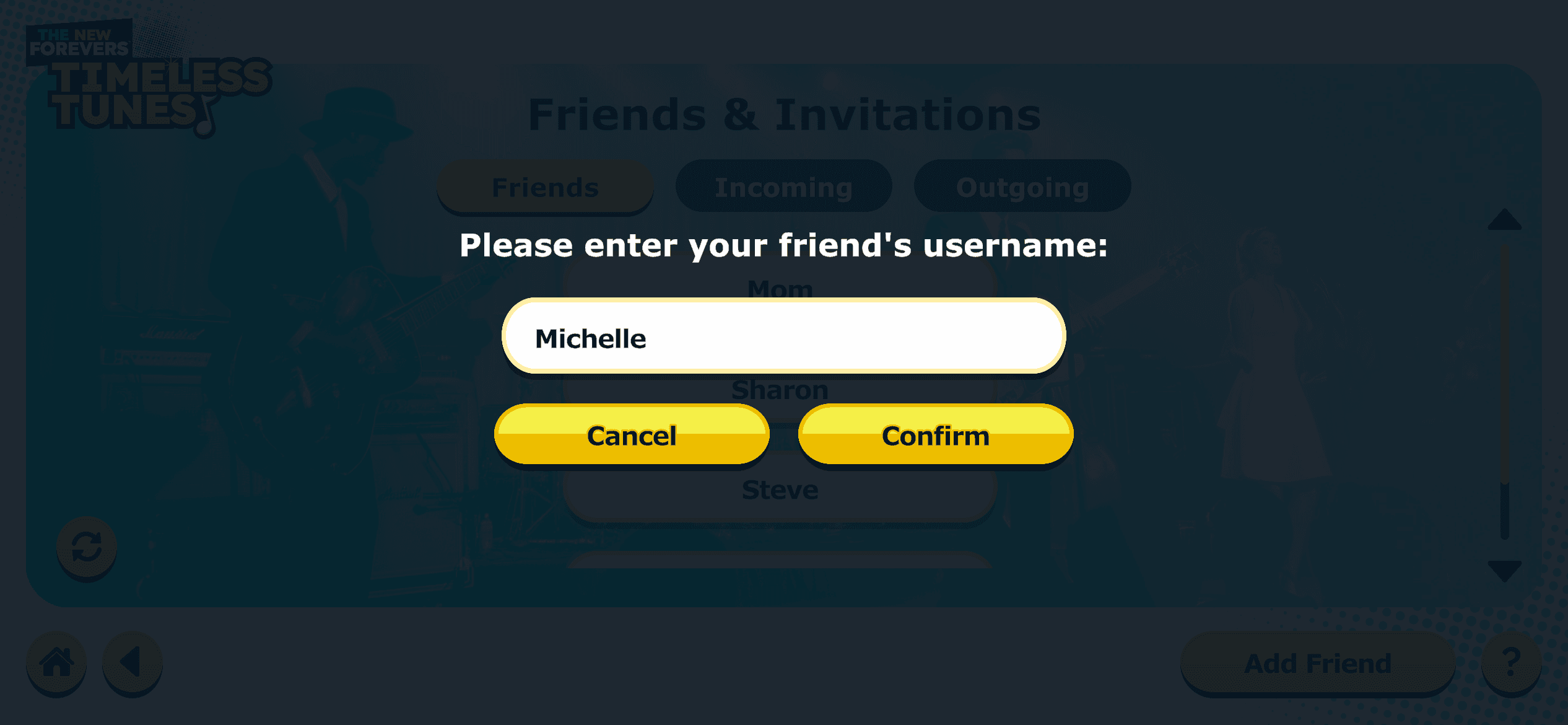
Click “Confirm”
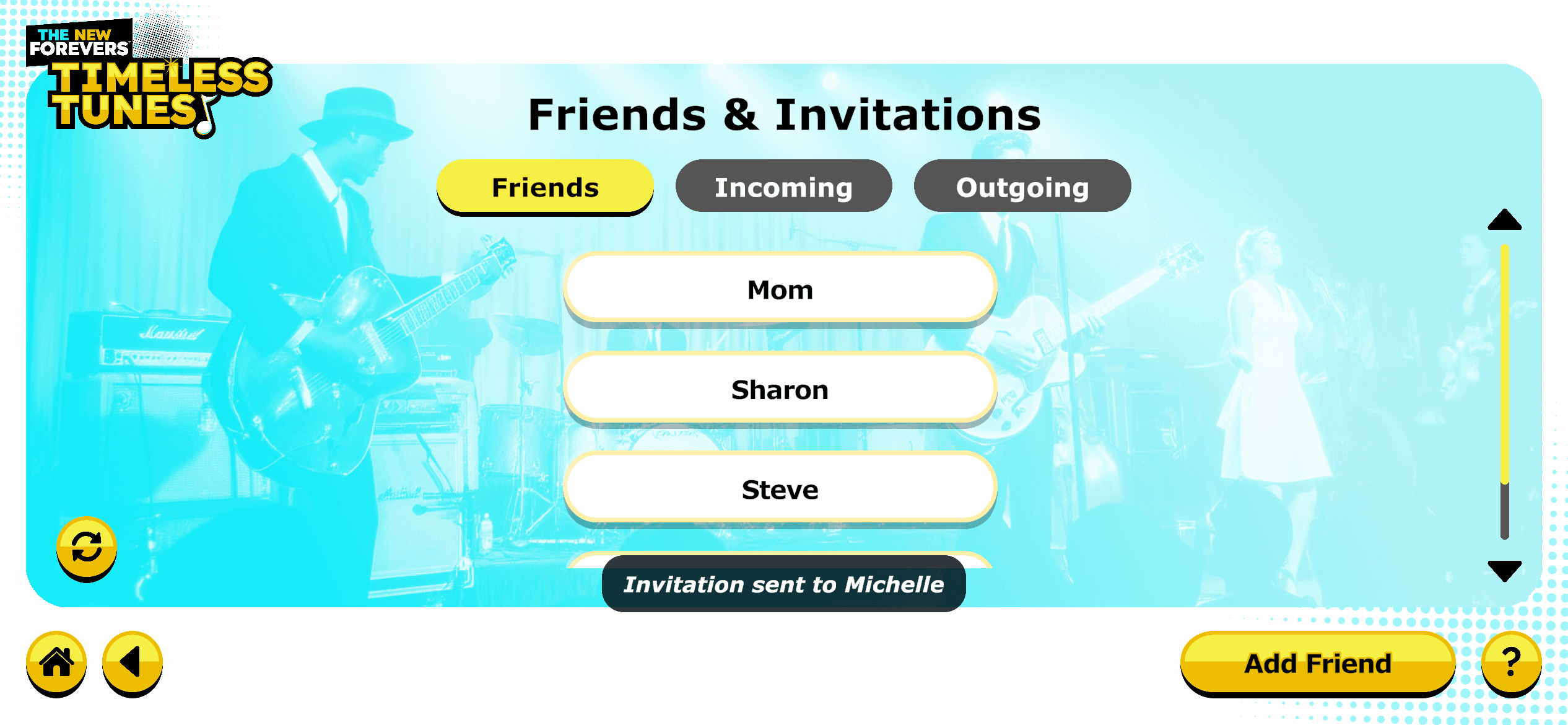
Once your friend has accepted your friend request, you will see them listed under the “Friends” tab.
You can return to the home screen by clicking the house icon in the lower left corner