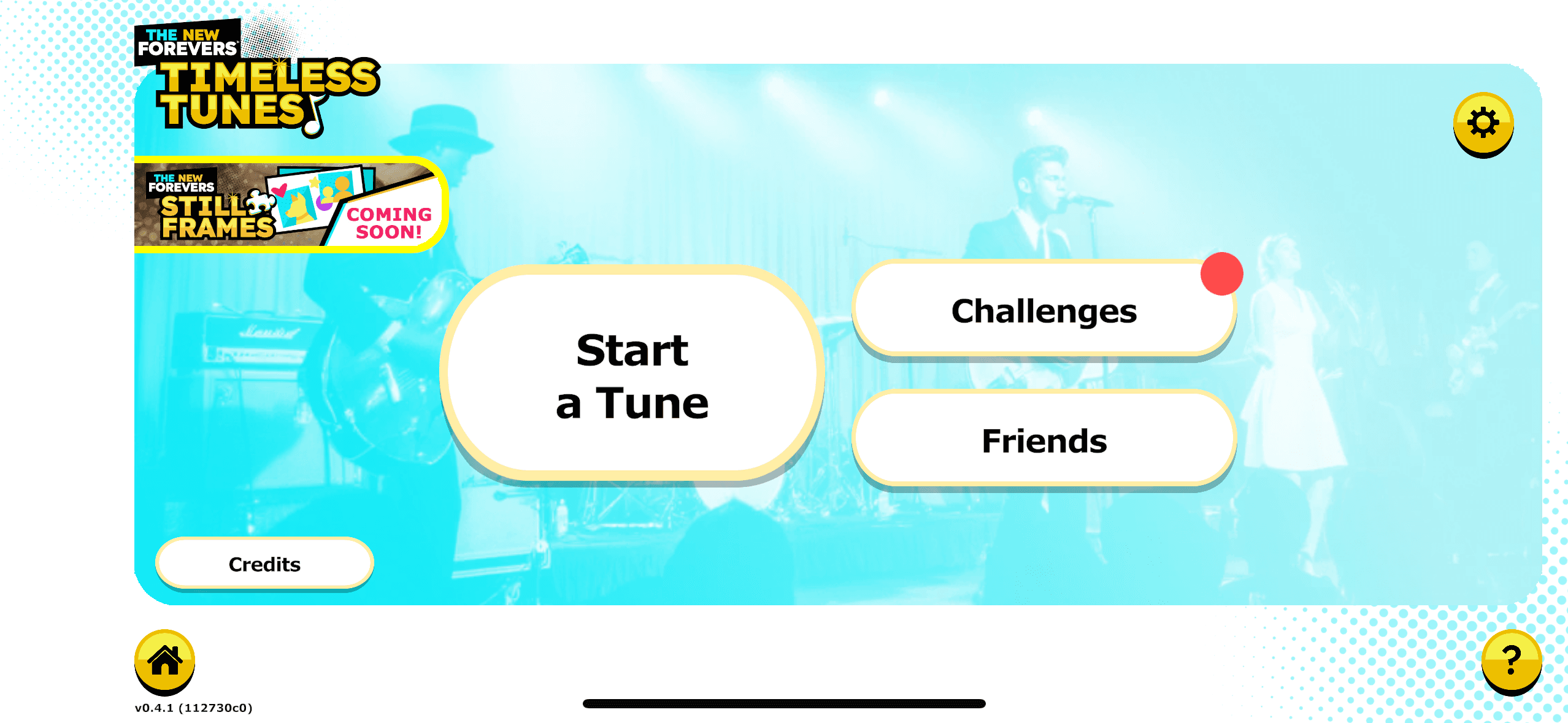
Step One: Identify You Have Received A Challenge.
When you receive a new challenge, a red dot will be visible on the "Challenge" button.
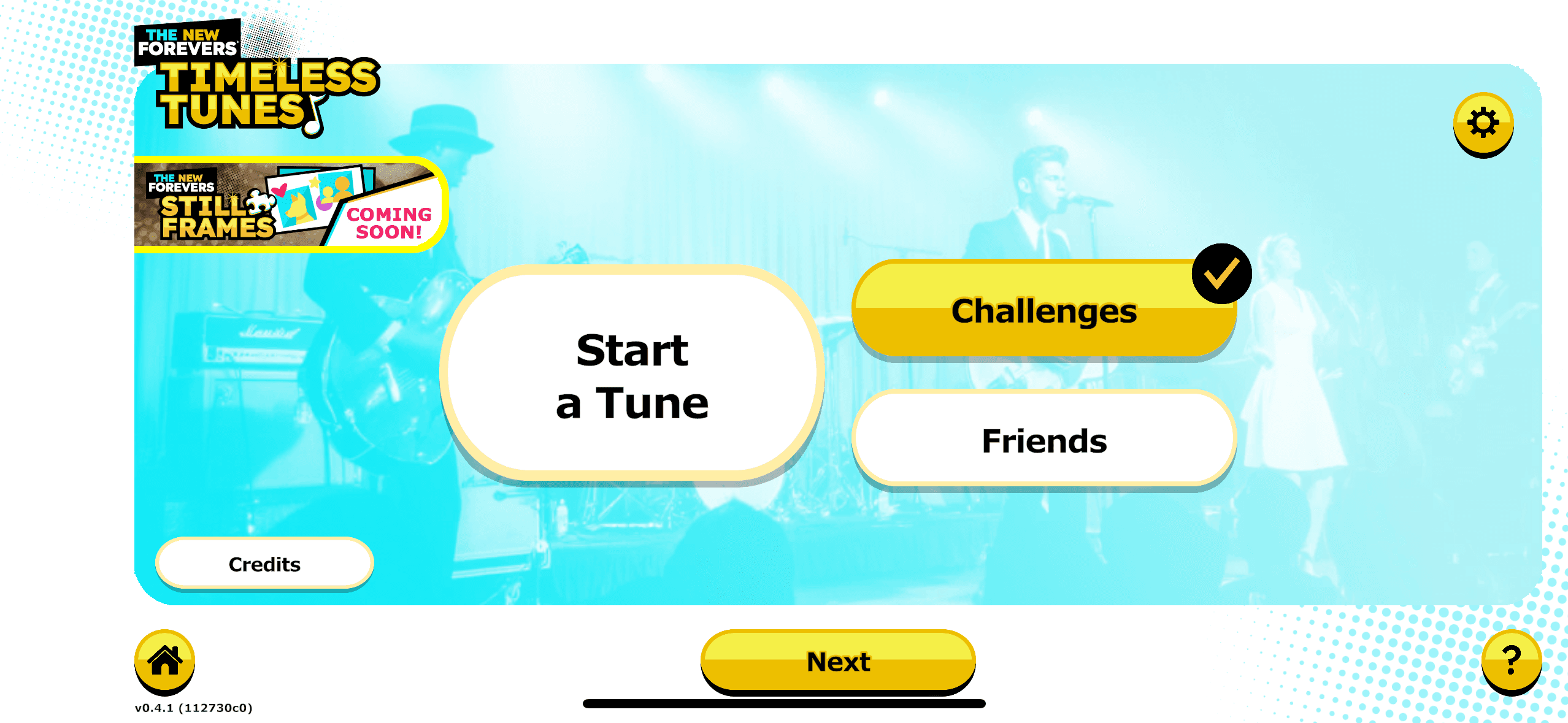
Step 2: Accept the Challenge.
Select the "Challenge" button and click "Next".
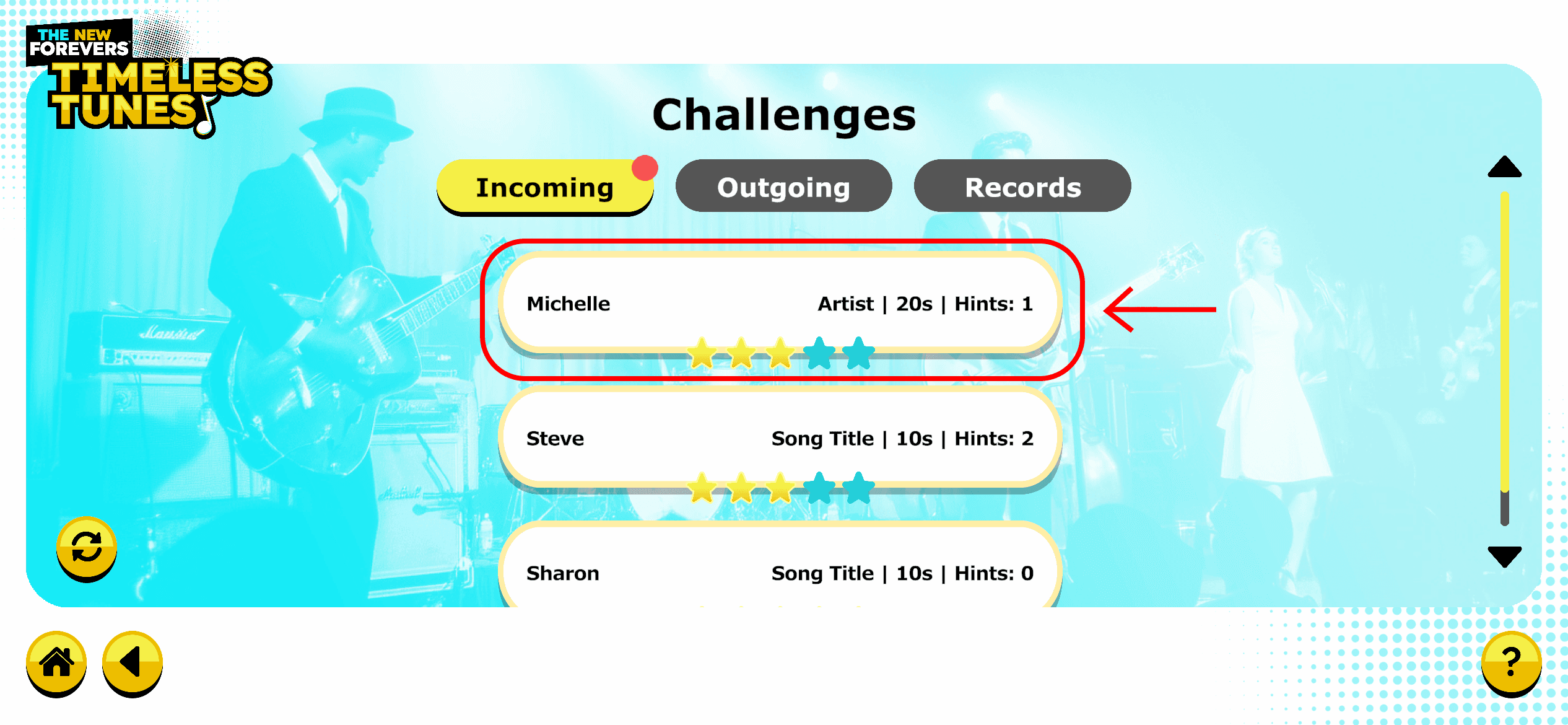
All challenges that you receive will be listed under the "Incoming" tab.
Click on the challenge you would like to accept.
Play the challenge!
You can return to the home screen by clicking the house icon in the lower left corner.