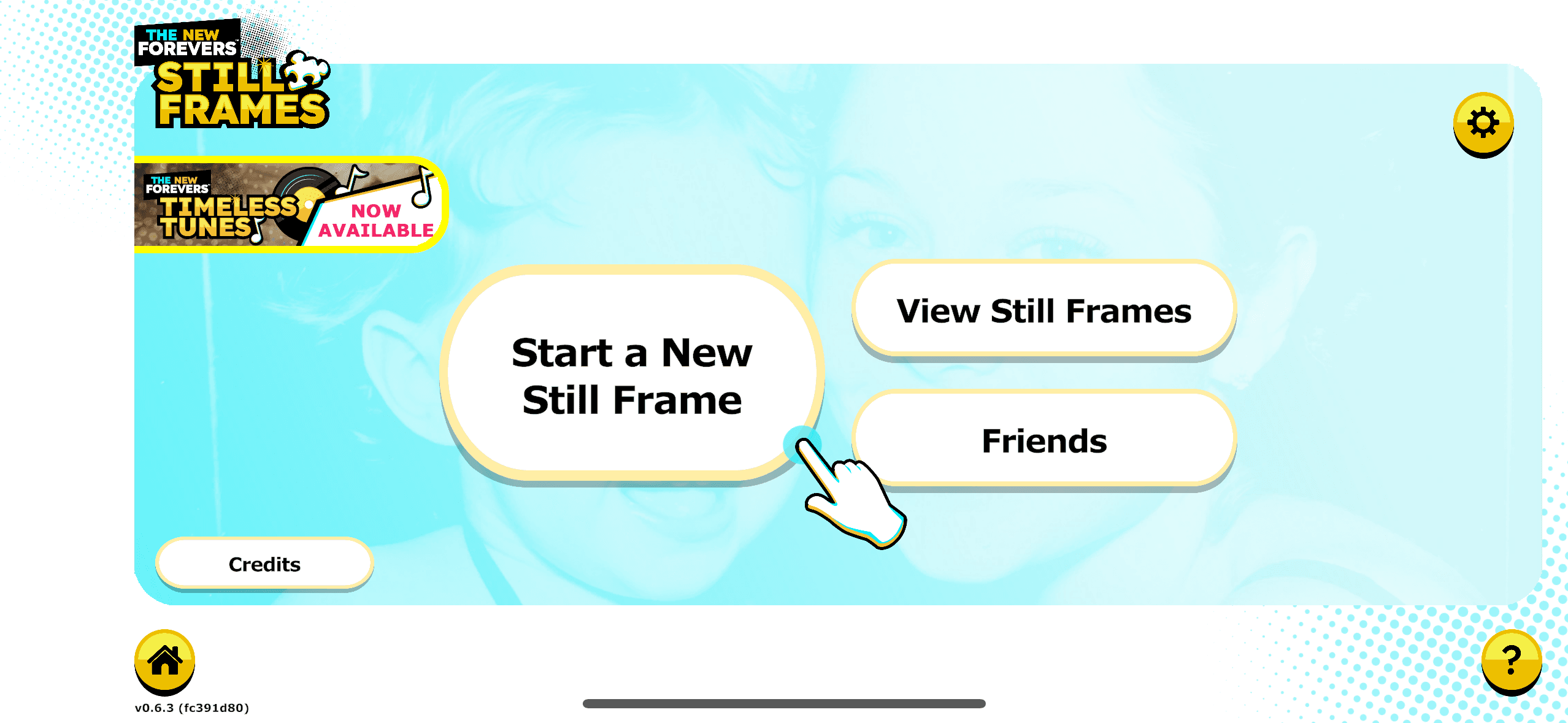
Search for Still Frames in your app store, and download it.
Step 1: Download Still Frames.
Search for Still Frames in your app store, and download it.
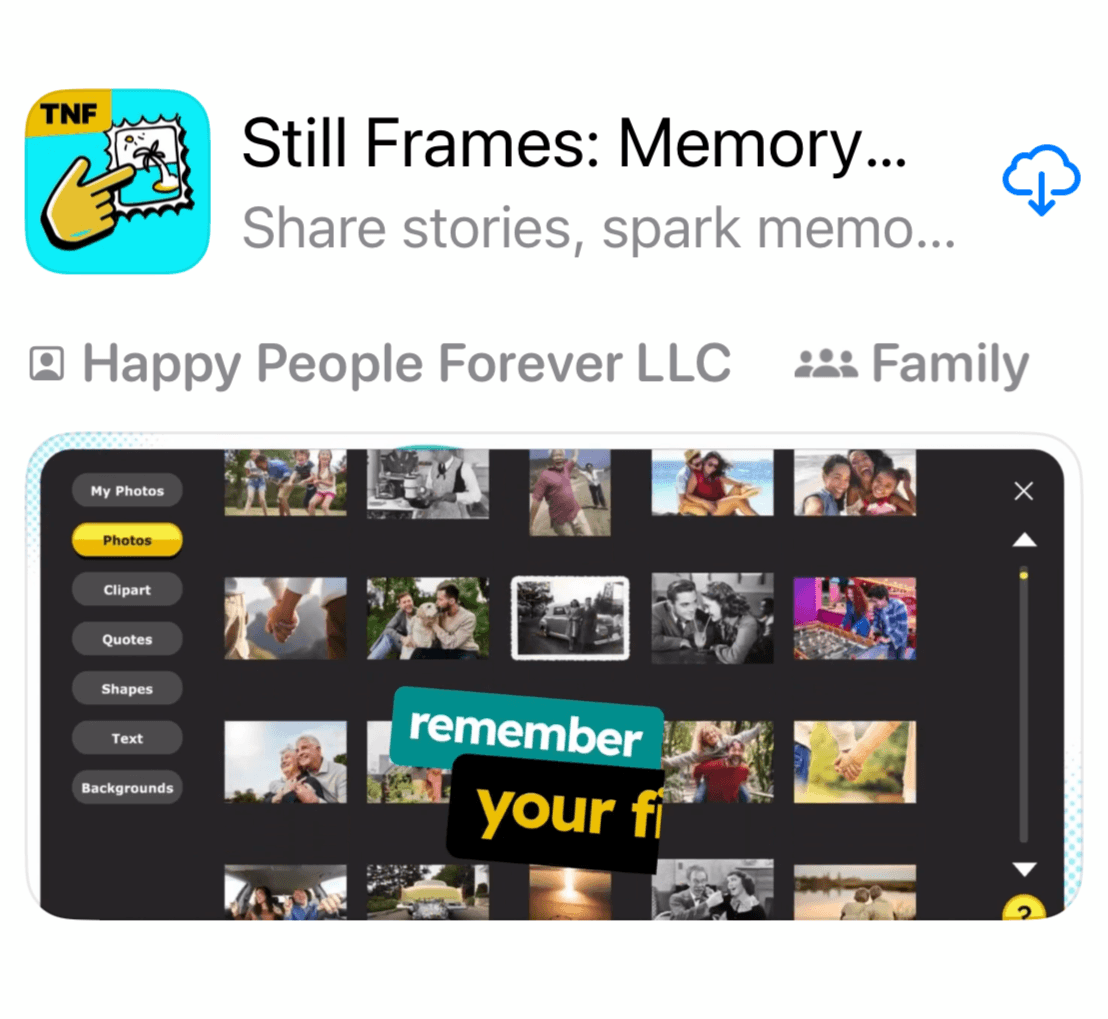
Step 2: Select "Get Started".

Step 3: Sign in.
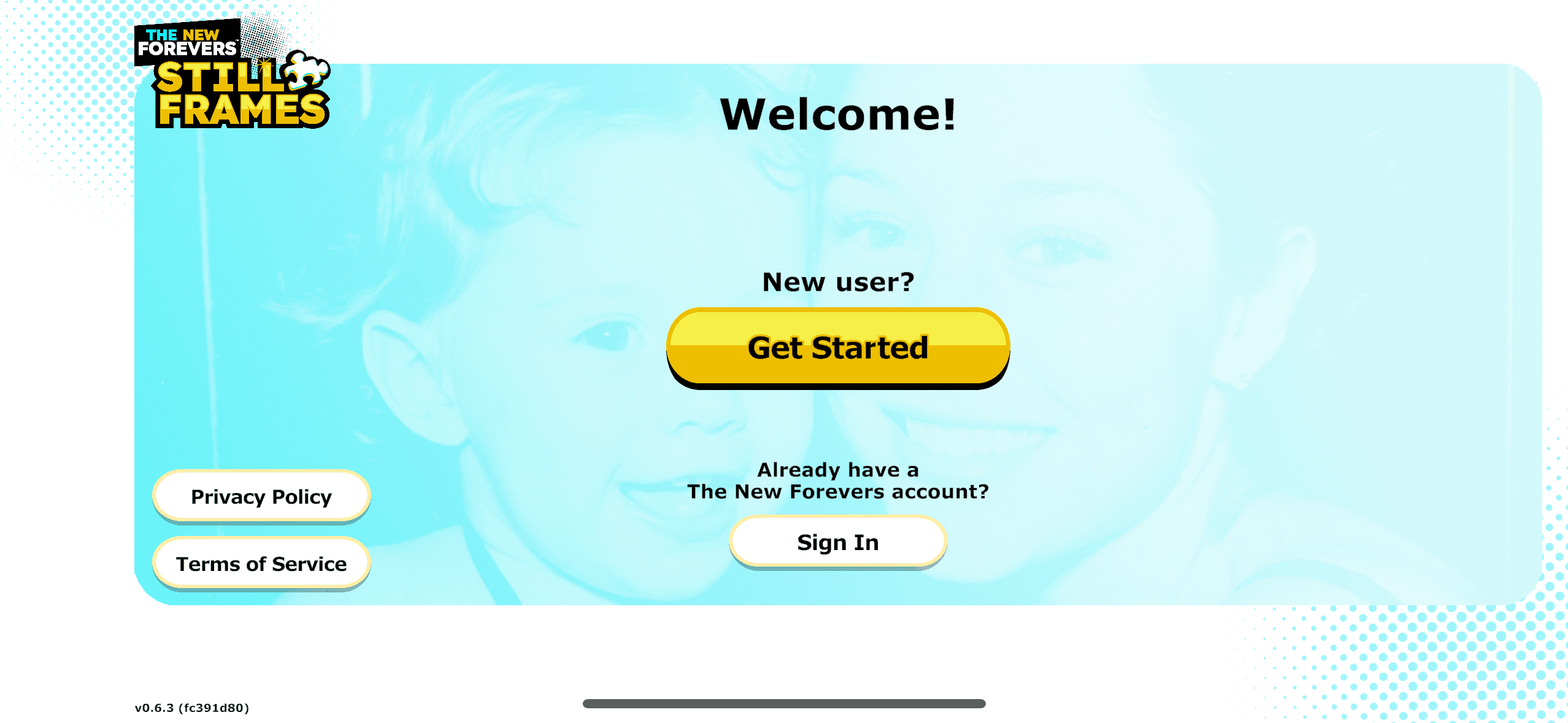
If you connected your New Forevers account to Google or Apple, you may select "Sign in".
If you played the app before, but you never connected your New Forevers account to Google or Apple, you will sign in as a new user. You can select the yellow "Get Started" button.
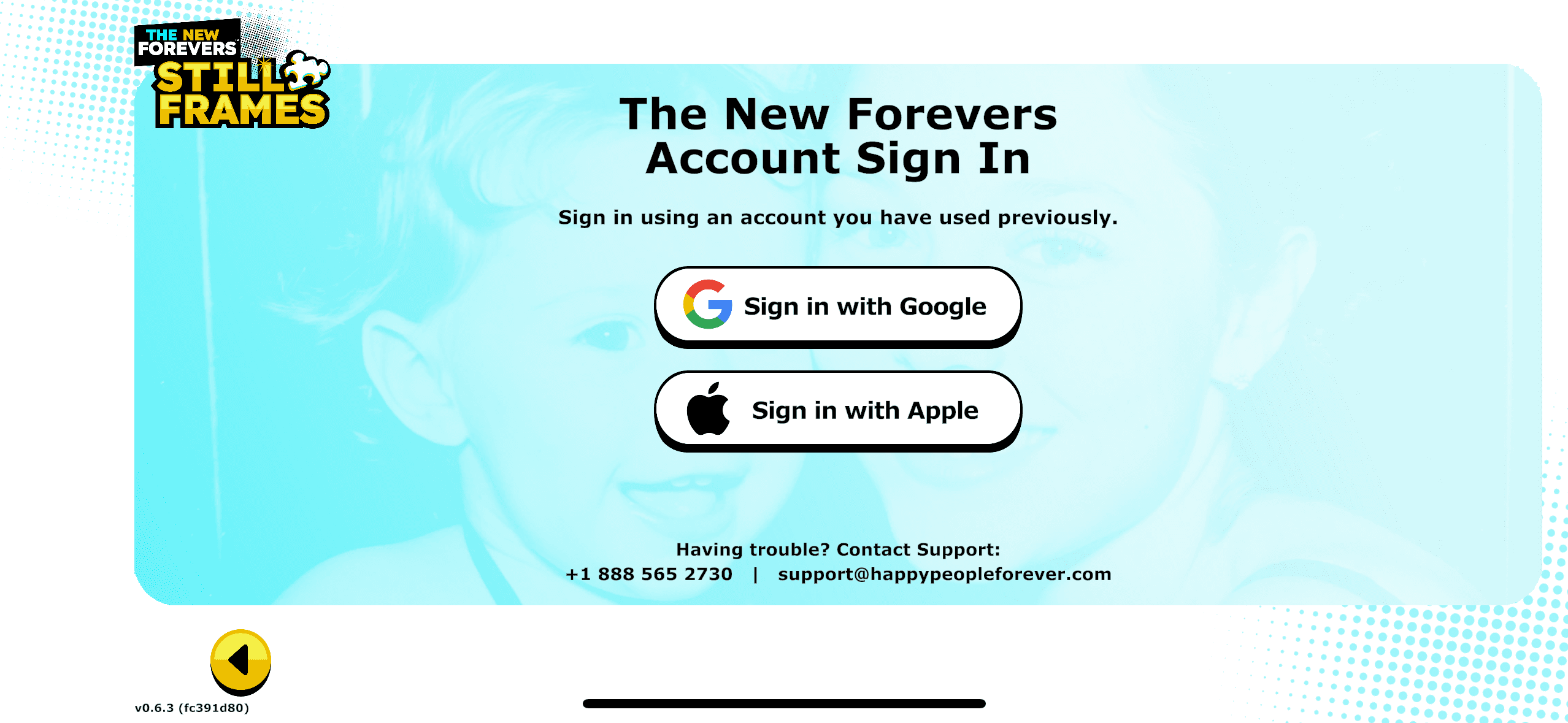
Step 4: Choose Your Account.
Select whether you want to sign in with Google or Apple.
Note - If you have not previously connected your New Forevers account to Google or Apple, please return to the previous screen and select the yellow, "Get Started" button.
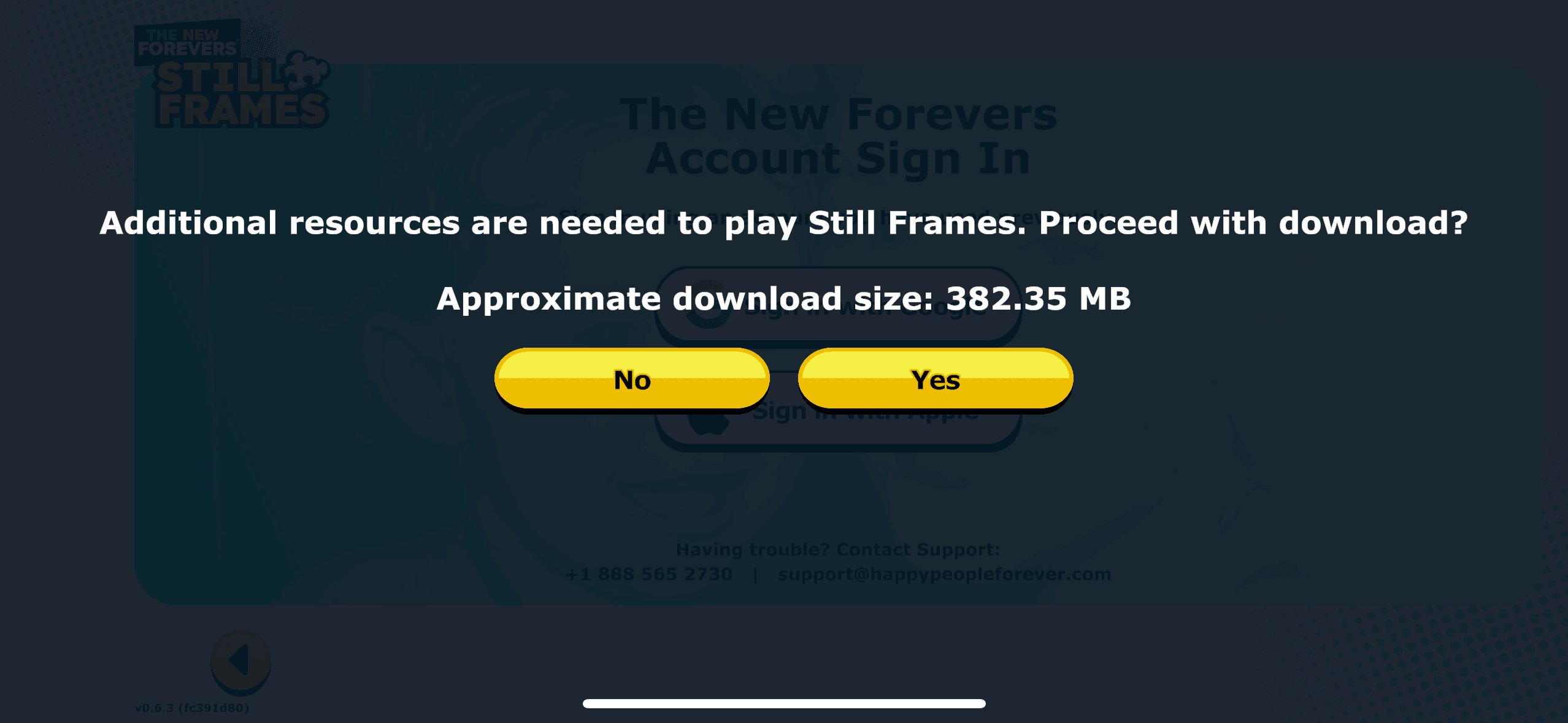
Step 5: Download Content.
Step 6: Enjoy The Game!