Step 1: Open the App.
Tap the Still Frames icon on your device to open the app.
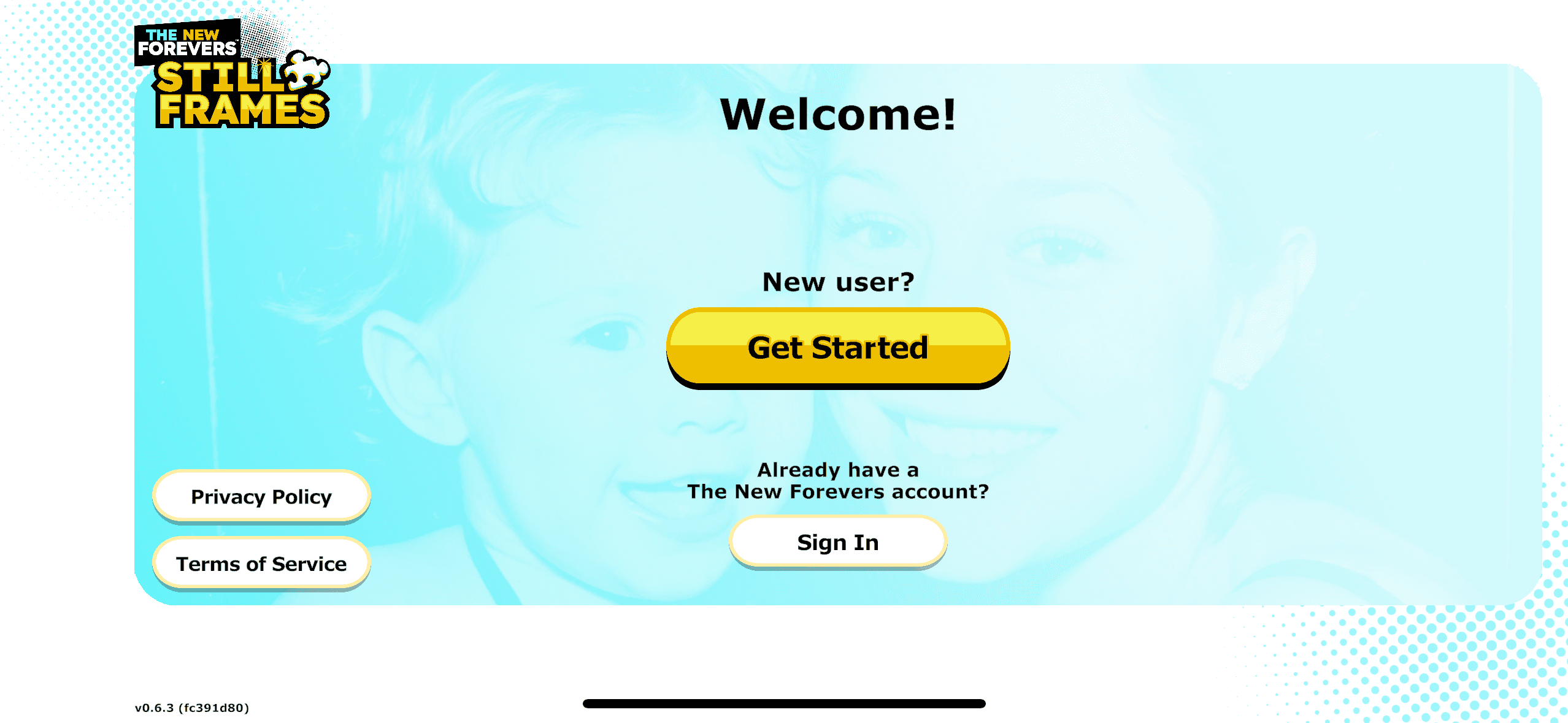
You'll see the Welcome screen with "The New Forevers Timeless Tunes" logo.
Choose "Get Started".

Step 2: Choose "Get Started"
On the Welcome screen, you'll see two yellow buttons:
"Get Started" (for new users)
"Sign In" (for returning users)
Tap "Get Started" since you're creating a new account.
We'll play a short demo video so you can see what the game looks like.

Step 3: Subscribe
After the video finishes, we'll show you what a subscription includes.
Tap the yellow "$7.99 / mo." button to continue.
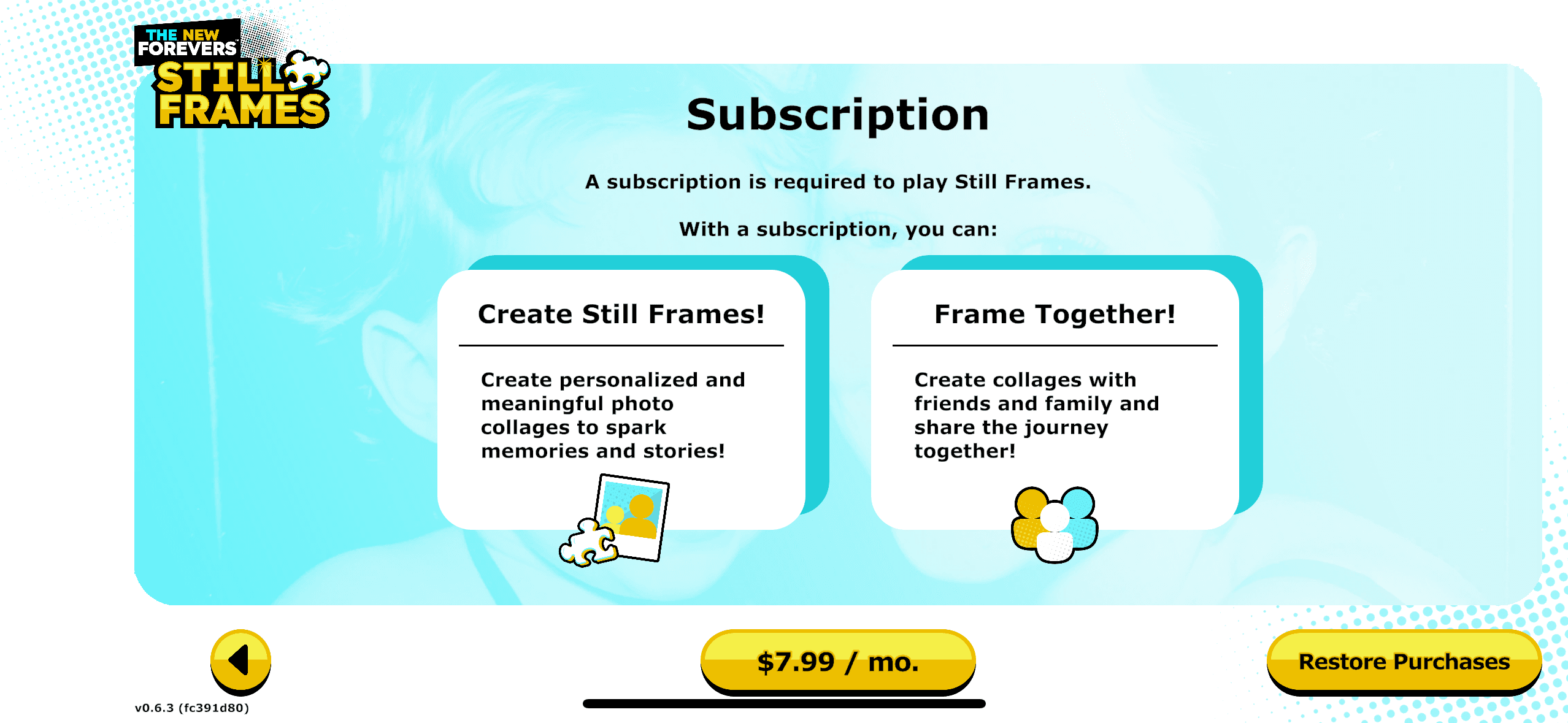
A popup will appear showing:
"Timeless Tunes Monthly"
"$7.99 per month"
Step 4: Confirm Your Purchase
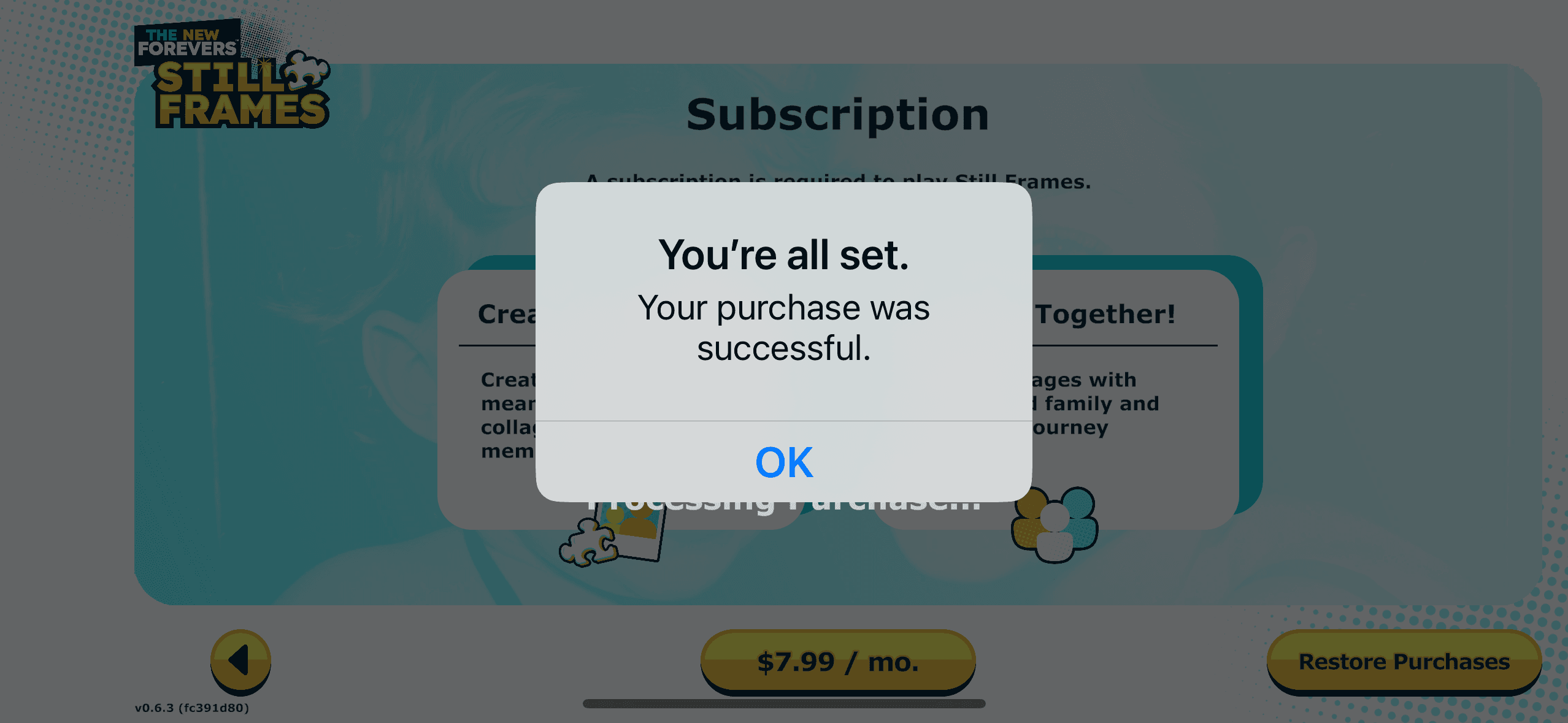
You'll see a message: "You're all set. Your purchase was successful."
Tap "OK" to continue.
Step 6: Download Content
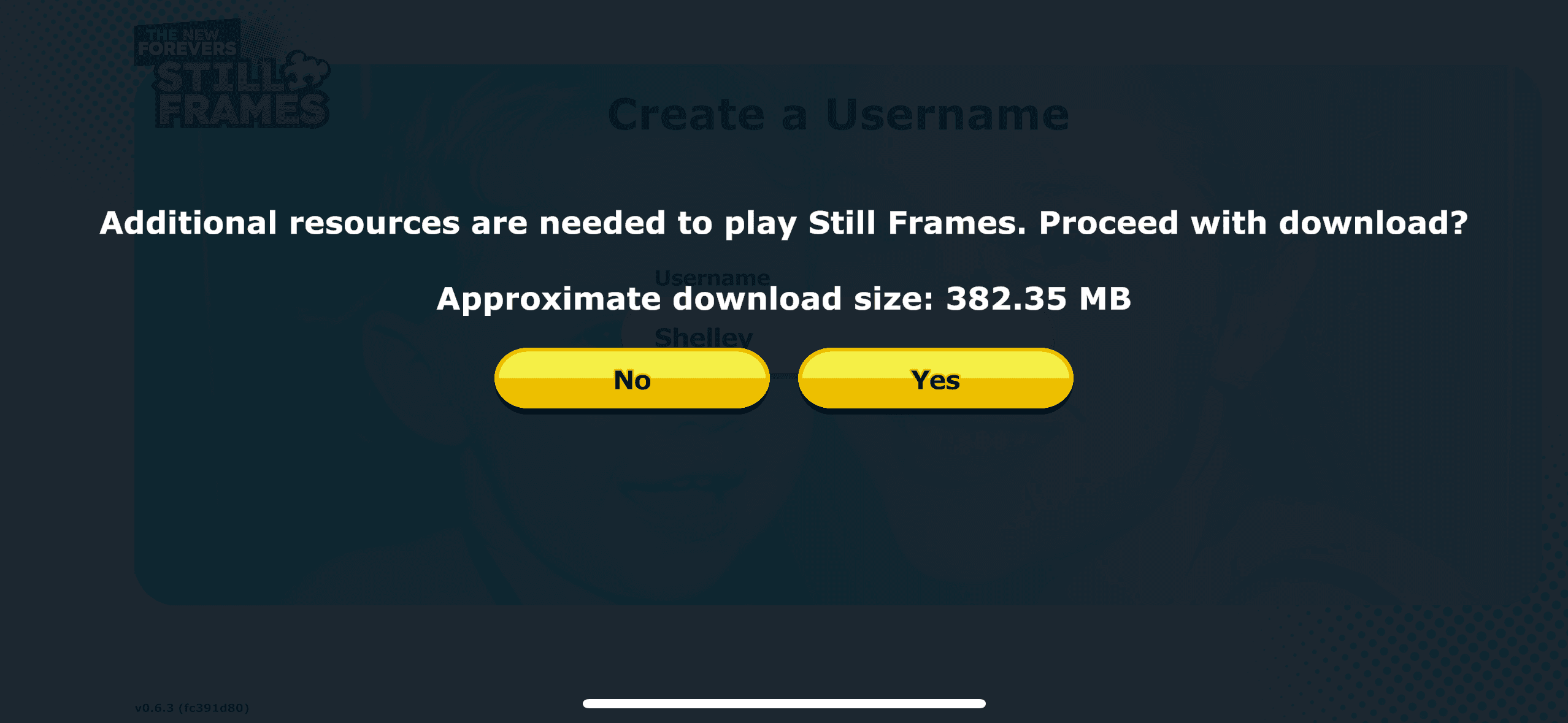
You'll will be notified about the size of the download and asked to approved download.
Select "Yes" and the app will load all game features.
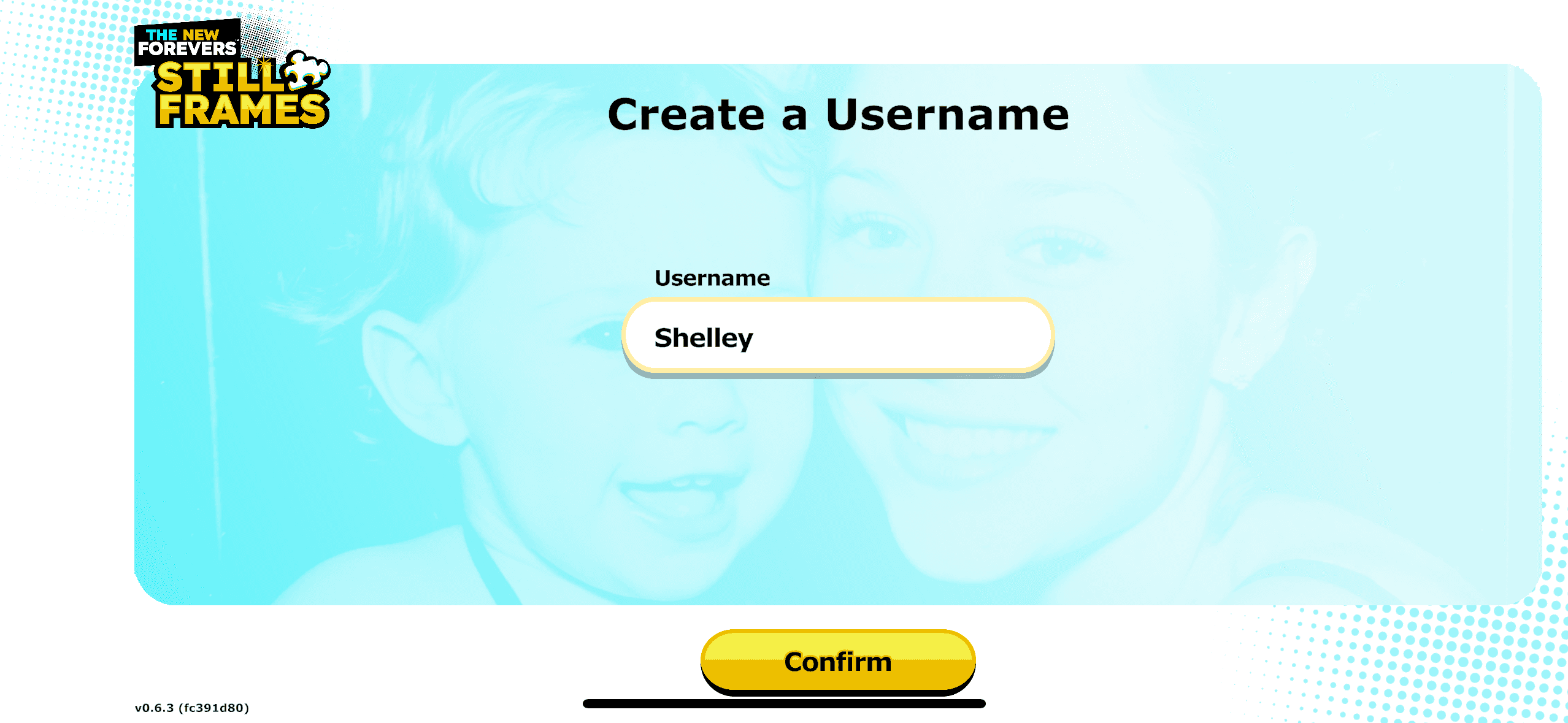
Step 7: Create Your Username
In the text box, type the username you want to use.
Tap the yellow "Confirm" button.
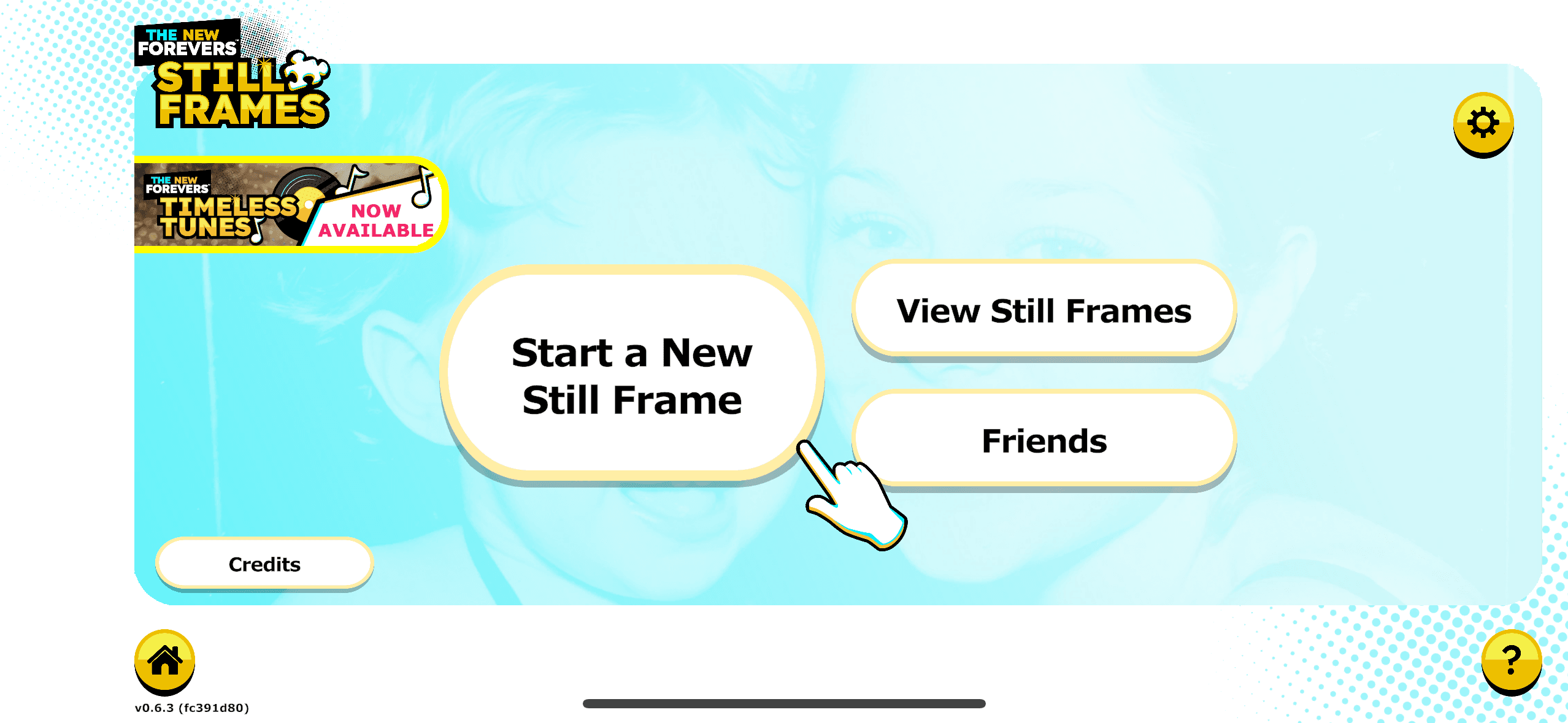
Step 10: Start Playing!
Need Help?
Look for the question mark icon (?) at the bottom right of the main screen for help anytime.
Have fun playing with your memories!